What happens when ChatGPT talks to DALL-E2?
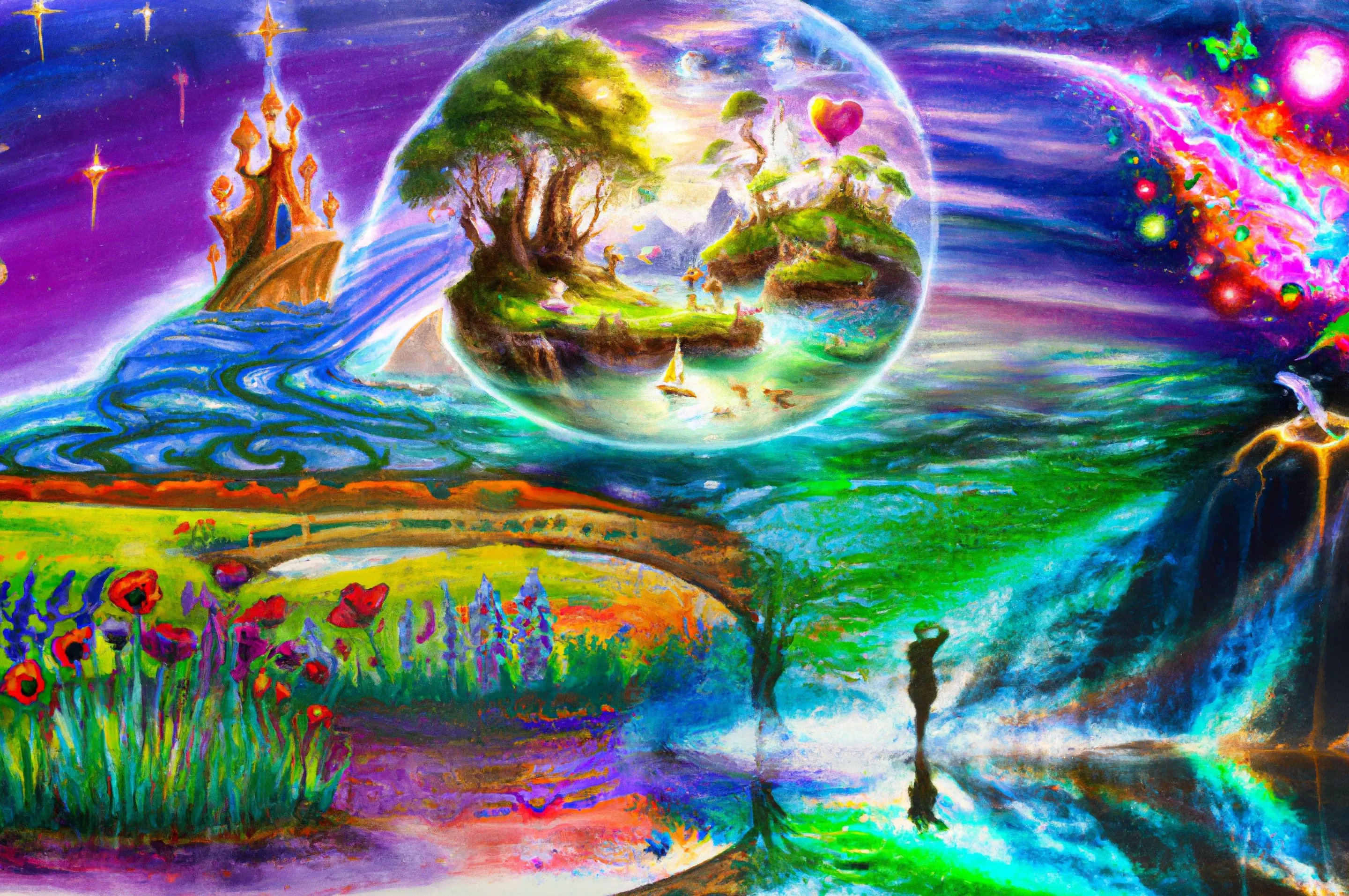
Artificial intelligence has come a long way in recent years, and one of the most exciting developments in the field is the use of large language models like GPT-3 and ChatGPT for a wide variety of applications. In this blog post, we’ll be taking a look at how you can use OpenAI’s ChatGPT combined with DALL-E 2 to create stunning works of art.
What is ChatGPT and DALL-E 2?
ChatGPT is a large-scale language model developed by OpenAI that’s specifically designed to be used in chatbots and other conversational applications. It’s built on the same underlying technology as GPT-3, but it’s been fine-tuned to handle the unique challenges of generating human-like responses in a conversational setting. This makes it an ideal tool for generating creative content, as it’s able to understand the context and intent of your inputs and generate responses that are both relevant and original.
DALL-E2, on the other hand, is a neural network developed by OpenAI that’s capable of generating images from text descriptions. It uses a combination of natural language processing and computer vision techniques to understand the meaning of the text input and generate an image that matches that meaning. This makes it an incredibly powerful tool for creating art, as it allows you to express your ideas in words and have them realised as images.
How to Use ChatGPT and DALL-E 2 Together
The process of using ChatGPT and DALL-E 2 to create art is relatively straightforward. First, you’ll need to provide ChatGPT with a prompt that describes the kind of image you want to create. This can be something as simple as “I want to create a surreal landscape” or as specific as “I want to create an image of a person standing on a beach at sunset, with a spaceship flying overhead.”
Once you’ve provided the prompt, ChatGPT will generate a description of the image you want to create. This description will be fed into DALL-E2, to generate the actual image. The result will be a unique and original work of art that’s based on your original prompt, but with its own unique twists and turns.
Creating a Series of Related Images
One of the great things about using ChatGPT and DALL-E2 together is that you can iterate on your original prompt to create a whole series of related images. For example, you could start with a simple prompt like “I want to create a surreal landscape” and then use ChatGPT to generate a series of increasingly specific and detailed descriptions. Each time you feed one of these descriptions into DALL-E 2, you’ll get a new and unique image that’s based on your original prompt but with its own distinct characteristics.
A Specific Example
I started by giving ChatGPT the prompt:
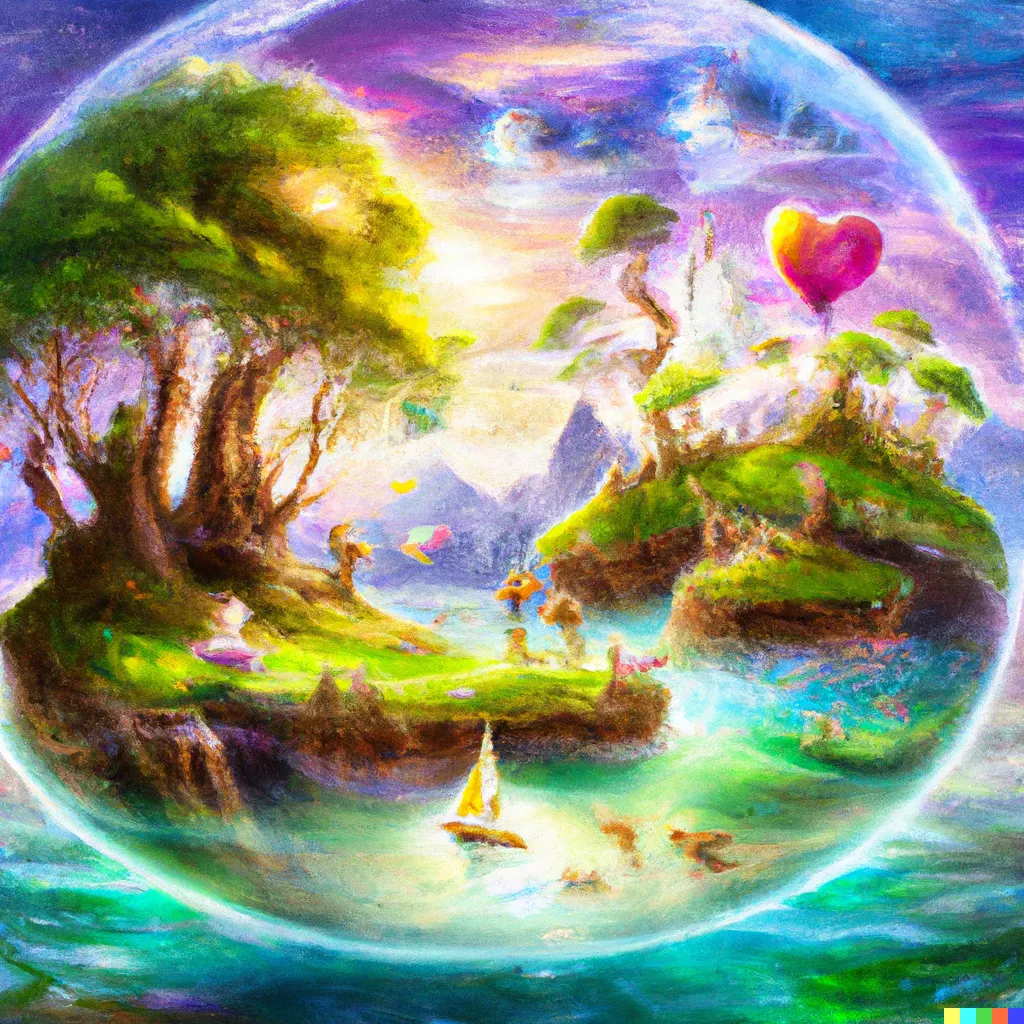
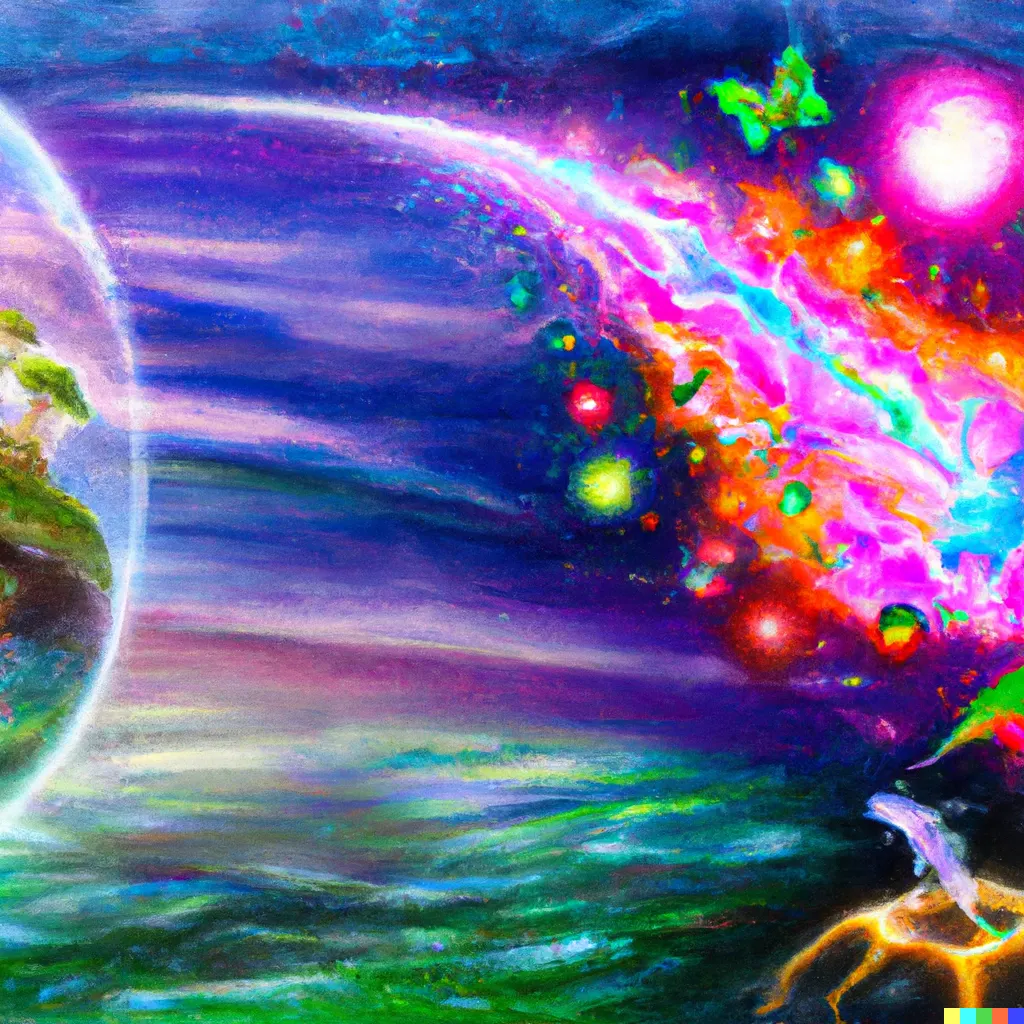
“Imagine an image that represents magic in the world. Describe what it looks like and the style of artwork you imagine best represents the subject”. After providing the prompt, ChatGPT generated the following description of the image: “The image I imagine is a whimsical, surreal landscape with floating islands and trees with glowing leaves. The artwork style is reminiscent of classic fantasy illustrations, with vibrant colors and intricate details. In the center of the scene, a group of magical beings - perhaps fairies or unicorns - gather around a glowing crystal ball. Streams of sparkling magic radiate from the ball and envelope the beings, giving them a radiant, otherworldly glow. The background is filled with swirling clouds and shooting stars, adding to the sense of magical wonder and possibility.”
The description is actually too long for DALL-E2 and so I initially used the first part to produce the following image (one of four that the algorithm automatically generates).
Why stop there?
DALL-E2 also has the ability to combine images through its Outpainting Editor so I used the second part of the ChatGPT description of the image to extend the original image to the right; an example output is
Now I need more detail about the “imagined image” if I want to continue to fill in the painting.
Me: What else do you see? ChatGPT: I also see a shining castle in the distance, perched atop a towering mountain. The castle is adorned with glowing crystals and intricate architectural details, and the surrounding landscape is dotted with sparkling waterfalls and hidden groves. The sky is a deep, inky blue and dotted with twinkling stars, adding to the sense of enchantment and mystery. In the foreground, a lone figure - perhaps a young human - stands gazing up at the magical scene, entranced by the beauty and wonder unfolding before them. Me: Is there anything else in the foreground? ChatGPT: In the foreground, there is a lush, verdant field filled with wildflowers and tall grasses. The flowers are vibrant and colorful, adding to the sense of magic and vitality in the scene. In the center of the field, there is a clear, bubbling stream with a small bridge spanning its width. The bridge is crafted from delicate, twisted branches and adorned with glowing crystals, giving it an enchanted, otherworldly appearance. In the stream, there are small schools of fish swimming lazily about, adding a sense of movement and life to the scene. Overall, the foreground is filled with beauty and magic, drawing the viewer into the world of the artwork.
The final image
I’ll leave it to the reader to see which elements of the descriptions ended up in which parts of the final image. But it is impressive what the system is able to generate from a relatively simple human-provided prompt and the input of the user in selecting which (of the four) generated images to accept at each stage.

Conclusion
Overall, using ChatGPT and DALL-E2 together was an interesting experiment that allowed me to create unique and original works of art based on my own basic concepts. I’m intrigued to see what other creative possibilities these powerful AI tools have to offer but am aware that there are many debates about the ethical implications of generative AI to still be had, including within the creative arts sphere.
Enjoyed this post?
Share it with your colleagues, network, or friends: